Buy now buttons and sale pricing
What the buttons on product blocks actually do: Buy now for single variants, Shop now for multi-variant products, and automatic sale pricing.
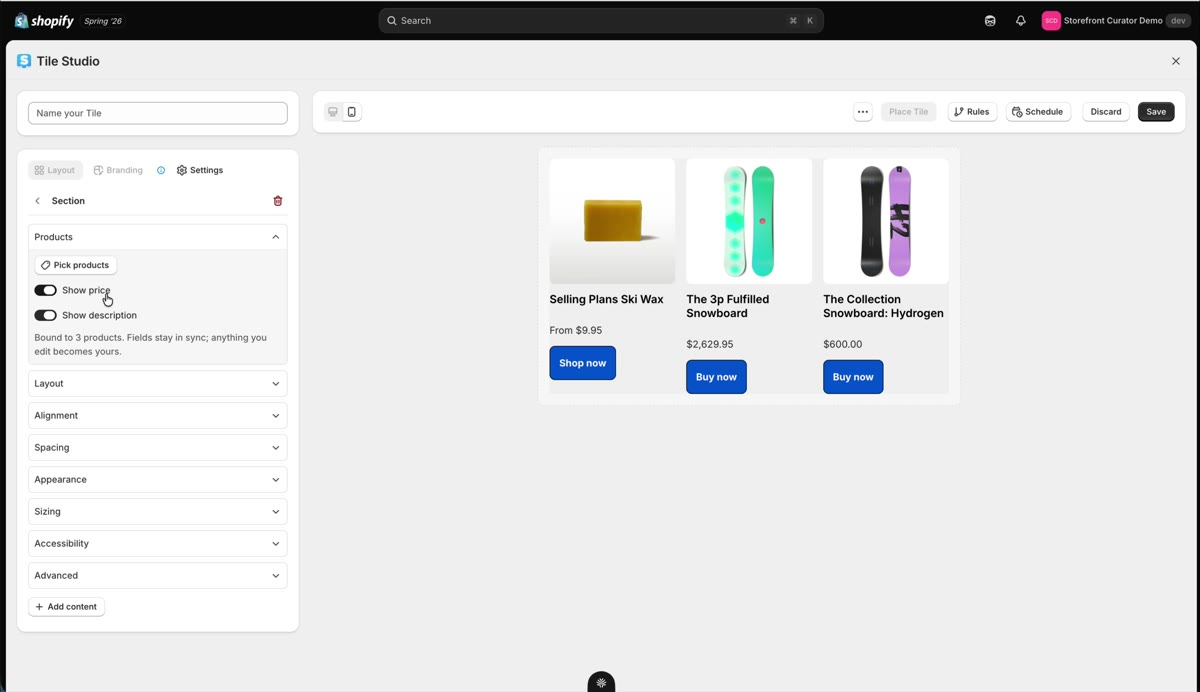
Product blocks come with smart defaults for the two things merchants ask about most: the button and the price.
The button adapts to the product
- Single-variant product: the button says Buy now and adds the product straight to the cart, ready for checkout.
- Multi-variant product: the button says Shop now and takes the customer to the product page to choose their variant.
You do not configure any of this; StoCu reads the product and does the right thing. You can still override any button's label or link per product if you want different behavior.
Sale pricing, automatically
If a product has a compare-at price, the tile shows it as strikethrough pricing next to the actual price. When the sale ends and the compare-at price comes off in Shopify, the tile updates itself.
Related: Product cards and grids and Collection grids.
Updated on Jul 31, 2026