Enable, verify, and go live
Log in as a customer, verify your tile renders, and know the one thing to check when it does not.
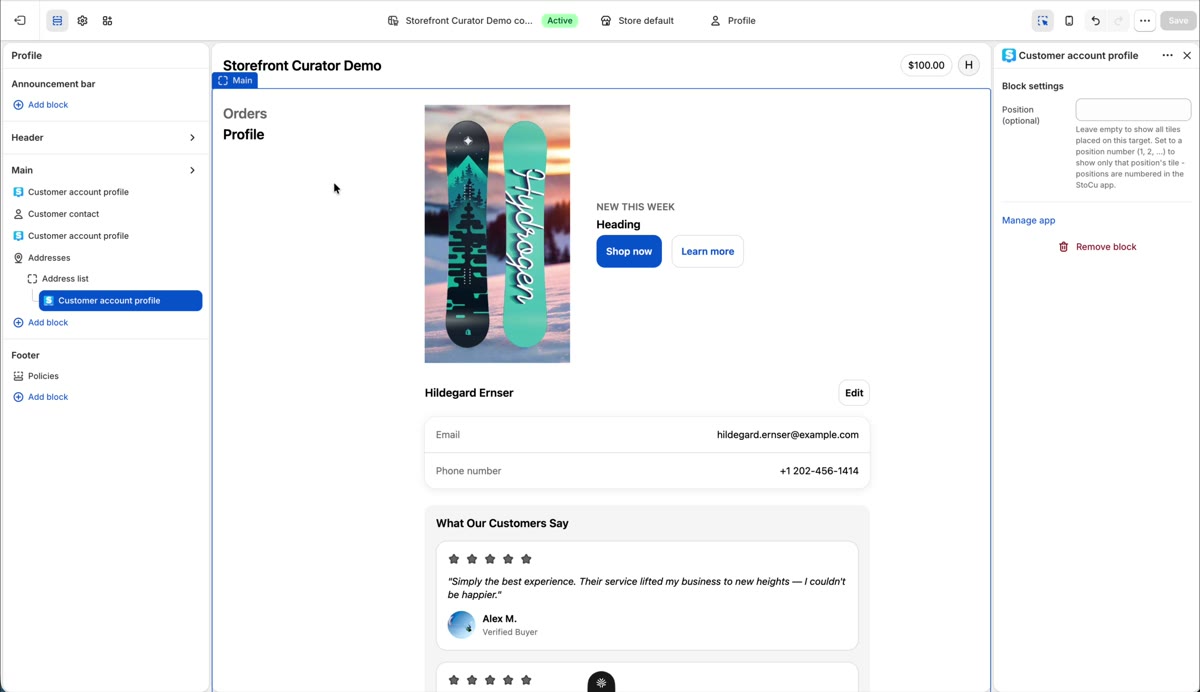
Time for the payoff. Log into your storefront as a customer, open the account area, and navigate to the page you placed on.
Your tile renders right where you placed it. What you see on the live page is a one-to-one match with the Target Editor preview:
If you do not see your tile
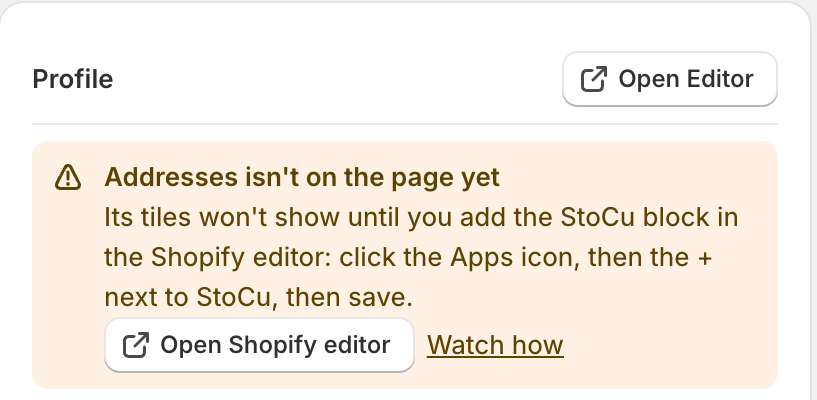
The number one cause, by far: the StoCu block is not on that page in Shopify's editor yet. The Target Editor tells you when that is the case. A yellow message at the top of the left column names the spot, for example Addresses isn't on the page yet, and gives you the steps and an Open Shopify editor button. When the top of the Target Editor reads All enabled, you are good to go.
The full checklist lives in Placement troubleshooting.
That is the core loop: build, place, enable, verify. Ready for the fun stuff? Here is where to go next.