Build a custom account page
Add an entirely new page to the customer account area: a rewards hub, brand story, or customer dashboard.
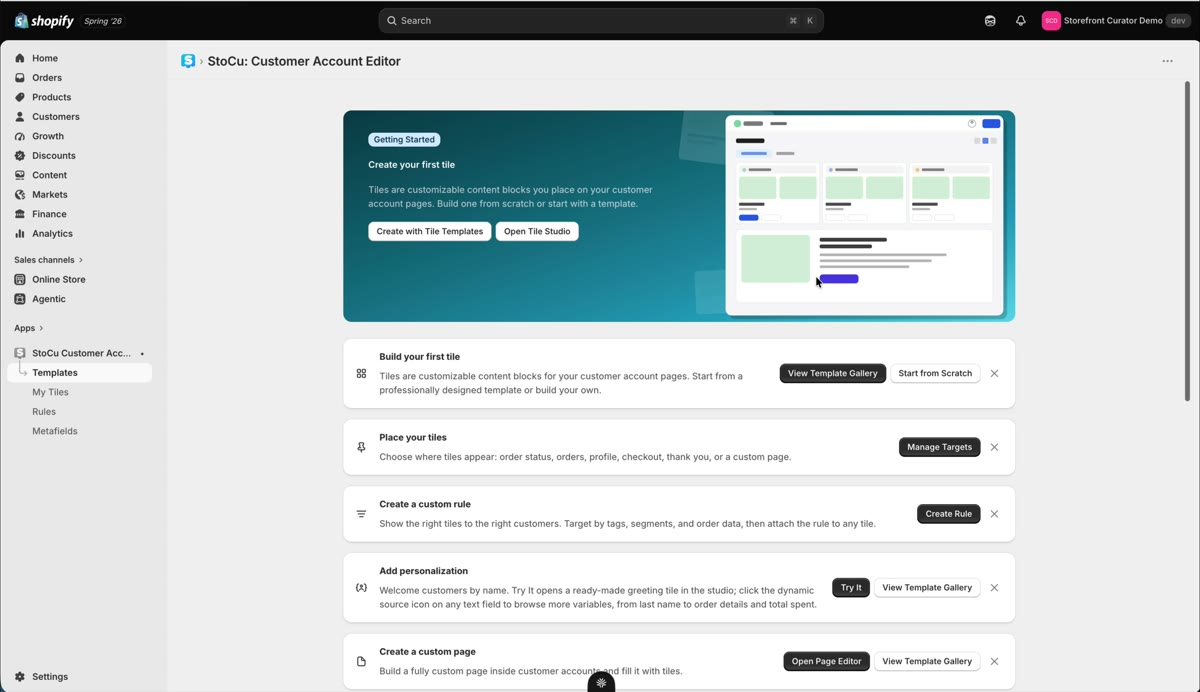
Custom pages are whole new destinations in your customer account navigation. Rewards hubs and customer dashboards are the two I see deliver the most value.
Start from a full-page template
At the bottom of the template gallery live the pre-built custom pages: brand story, rewards page, customer dashboard. They are bigger tiles, so give them a moment to load in the editor. Use one, make it yours, and save.
Place it on the page target
Hit Place Tile, choose the page surface, and add your tile.
A custom page can be Wide or Narrow, and you pick that in the Target Editor. Open the Page surface and the two buttons sit above the preview. Wide uses the full width of the account page, which suits dashboards and rewards hubs. Narrow centers the page in a 640 pixel column, the same width as the tiles on your other account pages, which reads better for a story or a short list. The preview shows the page at the width you picked, and it takes effect on the live page when you hit Save.
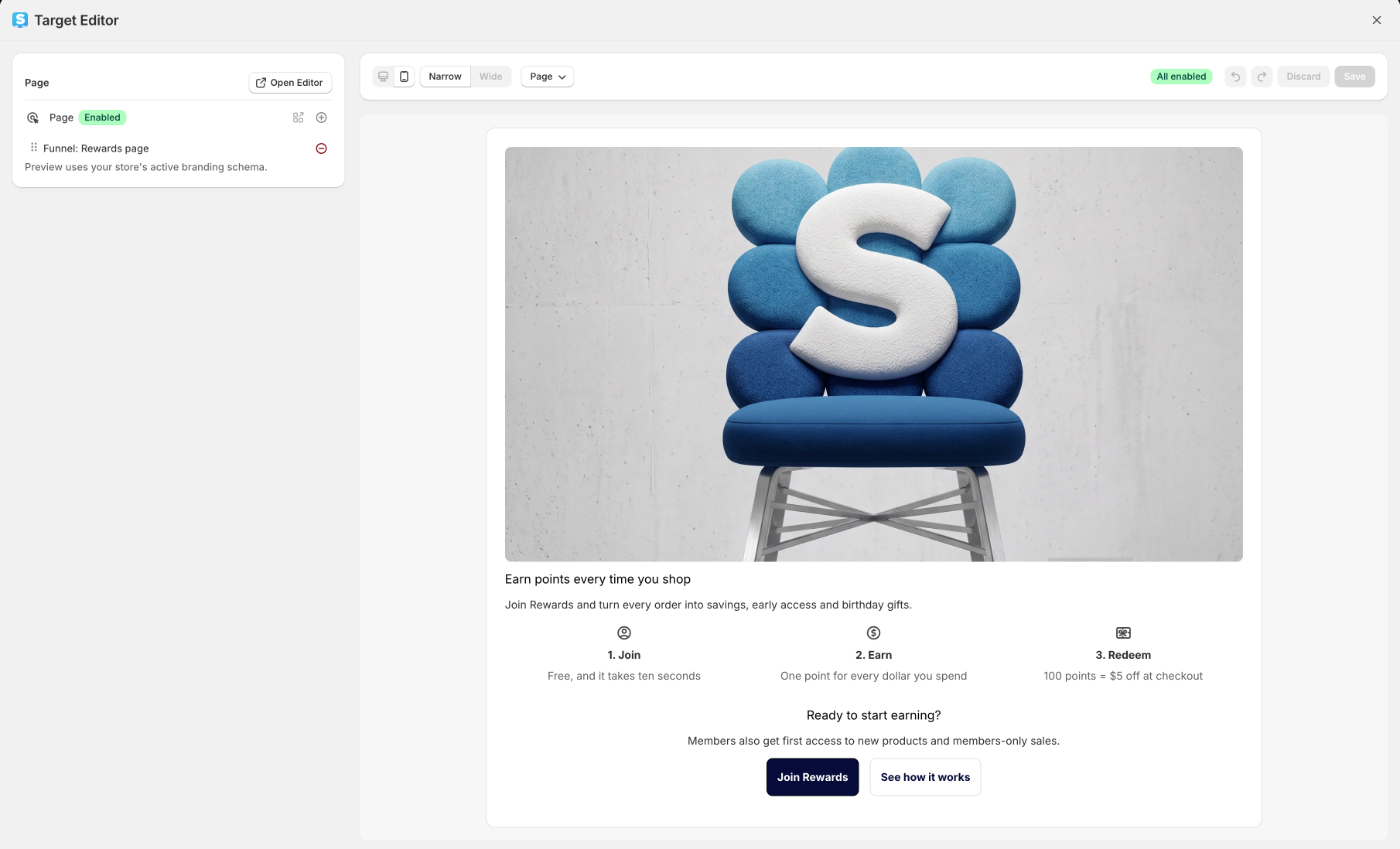
The preview also uses your store's branding from Shopify's checkout and accounts editor, so the canvas color, fonts and buttons you see here are the ones your customers see.
Enable the page and add it to the menu
In Shopify's editor, the custom page is enabled from the Apps menu: hit the plus button in the top right, find the StoCu customer accounts editor, and choose Add page to accounts.
Last step: add the page to the account menu so customers can reach it. Save, and it appears in the navigation.
One giant tile, or tile by tile?
You can build a custom page as one giant tile or compose it from multiple tiles. My honest recommendation: build it one tile at a time. Individual tiles can each carry their own display rules, so the same page shows evergreen content to everyone and personalized content per customer. A single giant tile cannot do that.