Install StoCu and start your trial
Install StoCu from the Shopify App Store and activate your free trial in about two minutes.
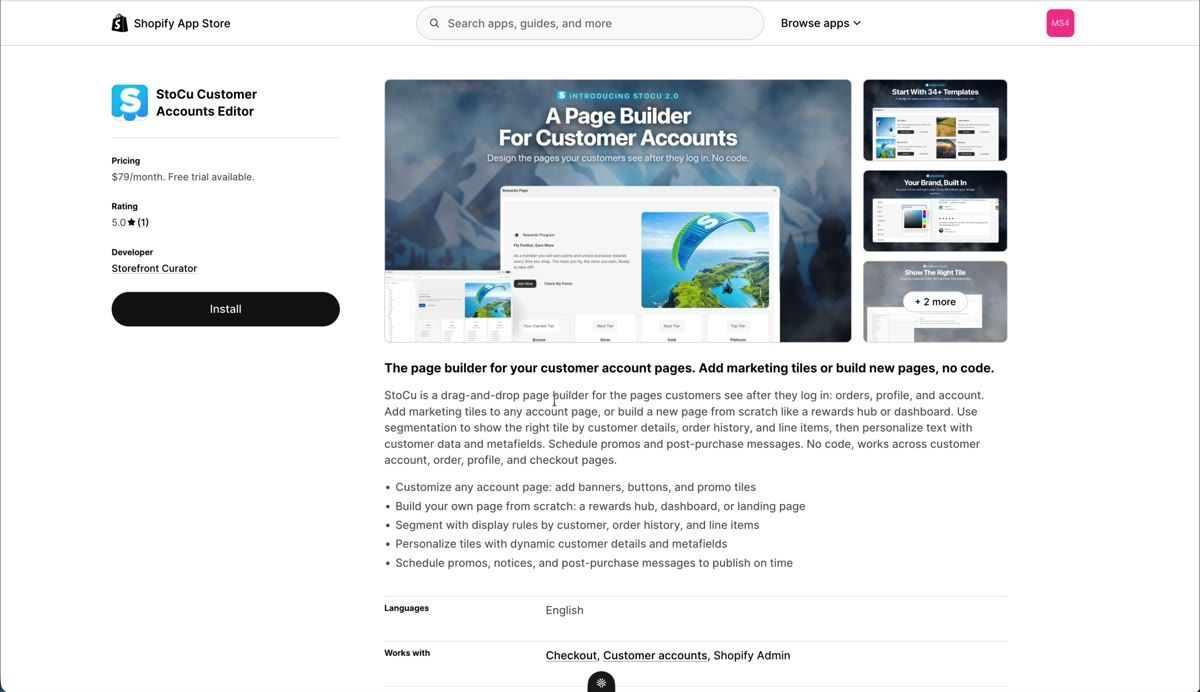
Welcome! Getting StoCu onto your store takes about two minutes. Here is the whole flow.
Install from the App Store
- In the Shopify App Store, search for StoCu Customer Accounts Editor, or go straight to the listing.
- Click Install.
- Review the permissions screen. StoCu asks for data access so it can do its job: welcoming customers by name, showing tiles based on order data, and reading metafields for personalization.
- Click install to finish.
Activate your free trial
Next, activate your trial. The Essential plan is $79 a month and you get 14 days free to try everything.
Important: you can explore StoCu without approving the trial, but tiles will not render on your store until the trial is approved. If you build something and nothing shows up, check this first.
Hit Select on the plan, approve it on Shopify's confirmation page, and you will land on your StoCu dashboard, ready to build.
Next up: Meet your StoCu dashboard.
Updated on Jul 31, 2026