Scheduling tiles
Give a tile a start and end window and let your promos run themselves.
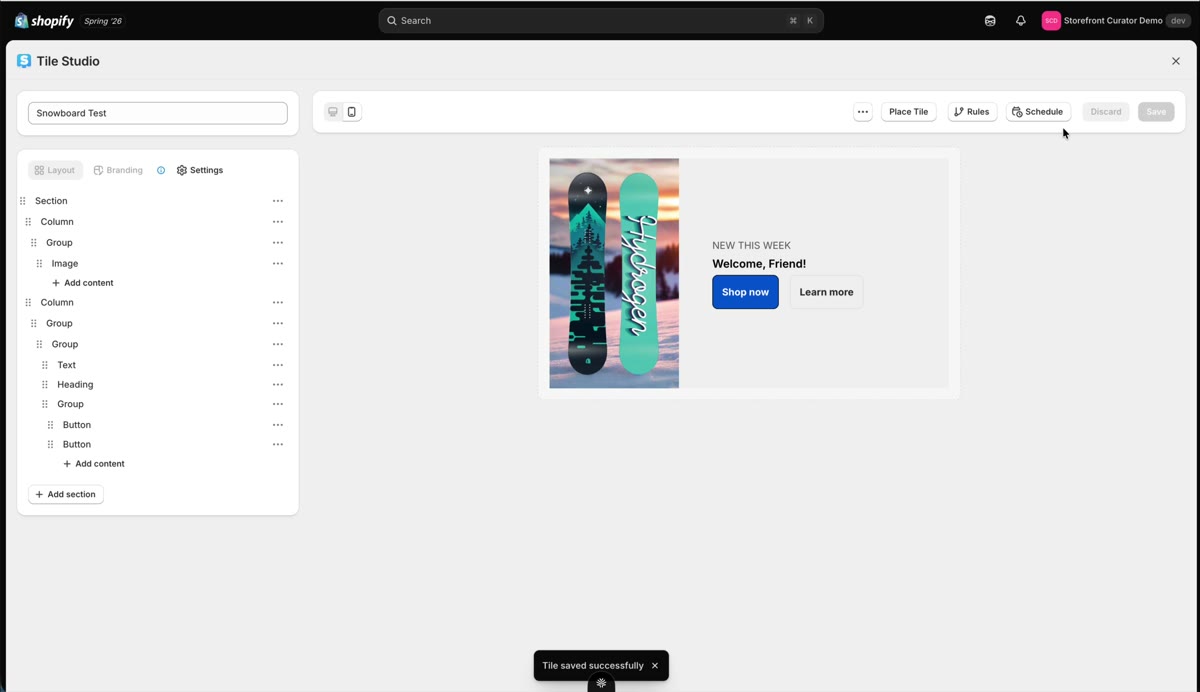
Promos have a shelf life. Scheduling lets a tile handle its own start and end so you do not have to remember either one.
Set the window
Open Schedule on any tile and set the start and end dates, say August 1st through the 4th for a weekend sale. Save, and the tile is scheduled: it shows in the window and stays hidden outside it.
Note: schedule times are in UTC. If your promo needs to flip at midnight local time, offset the window accordingly.
Keep an eye on what is queued
Scheduled tiles surface on your dashboard, so a quick glance tells you what is coming and what is running. Combined with rules, you can stage a personalized campaign entirely in advance.
Updated on Jul 31, 2026