Where to go next
You have the core loop down. Here is the tour of what StoCu can really do.
You have installed StoCu, built a tile, placed it, and seen it live. Everything from here builds on that loop. A guided tour, in the order I would explore:
- Guided setup: every step of the guided way to build a tile, from the four purposes to the finish.
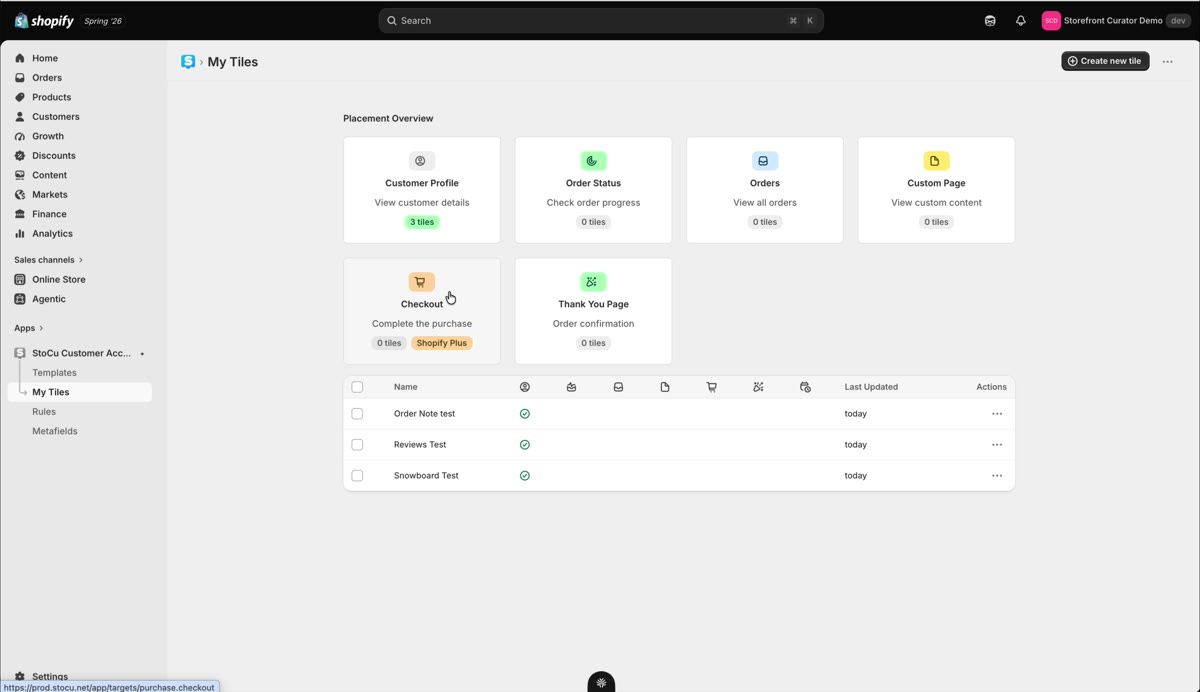
- Tile Studio in depth: the layout tree vocabulary, tile-level settings, and the placement overview.
- Product blocks: shoppable product cards, grids, and collection grids that keep themselves up to date, with Buy now buttons built in.
- Display rules: show the right tile to the right customer using tags, segments, spend, and more.
- Dynamic text: greet customers by name inside any heading or paragraph.
- Scheduling: set a start and end window and let promos run themselves.
- Custom pages: add entire new pages to the account area, like a rewards hub or customer dashboard.
- Block positions: pin different tiles to exact spots on one page.
- Sidekick AI: describe the tile you want in a sentence and watch it get built.
And whenever a question comes up, the FAQ collects the answers I give most often. Happy building!
Updated on Sep 20, 2026